Display Testing: How We Evaluate Screens
Last updated: February 2026
We start by measuring each device’s maximum brightness. The 20% APL (Average Picture Level) test uses a white rectangle that covers 20% of the screen, with the rest remaining black, while the 100% APL test uses a fully white image. Since modern OLED screens adjust their brightness based on content, the 20% APL test is a more realistic measure of real-world performance.
See our Display Test Results page
Bright Min results show how dim the phone can get. A lower value here is better as the phone will be more comfortable to use in dark environments.
Color Temperature is measured against a reference of 6500K, which represents standard daylight. Higher values indicates colder whites, while lower values indicate warmer tones.
We also measure Gamma to assess how smoothly the screen transitions from dark to bright areas. A value of 2.2 is considered ideal for a natural look with balanced contrast.
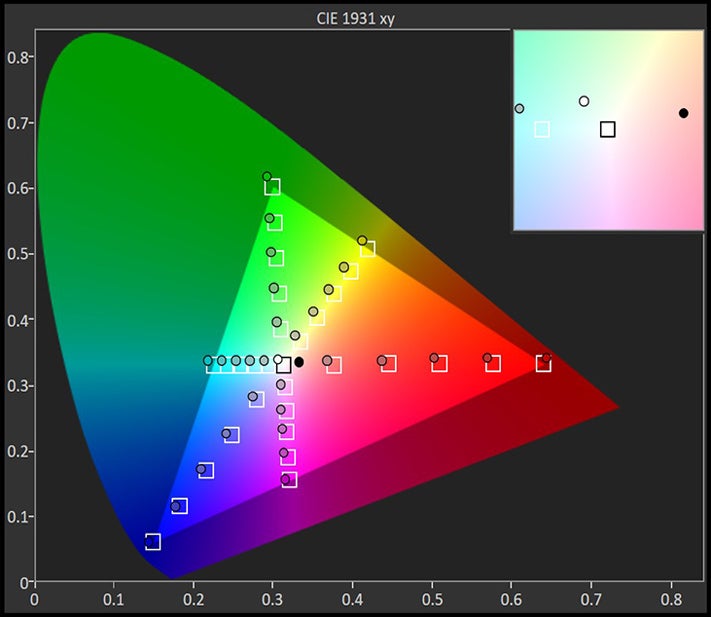
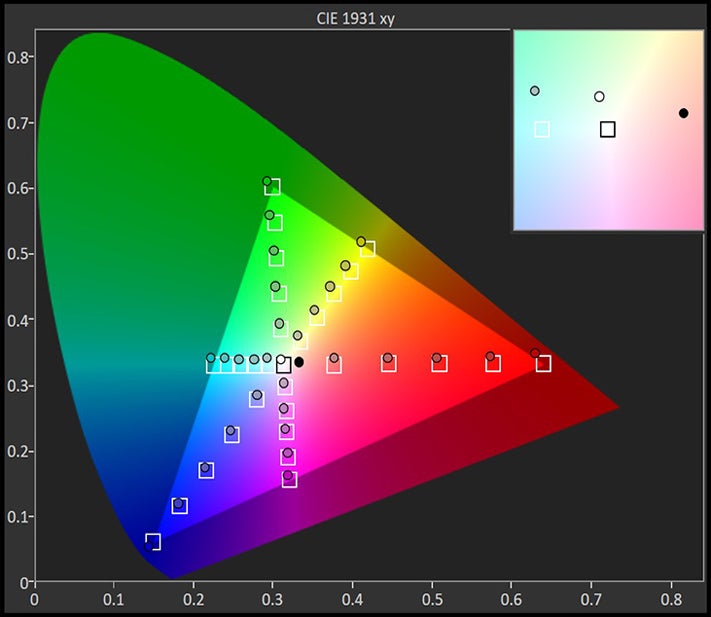
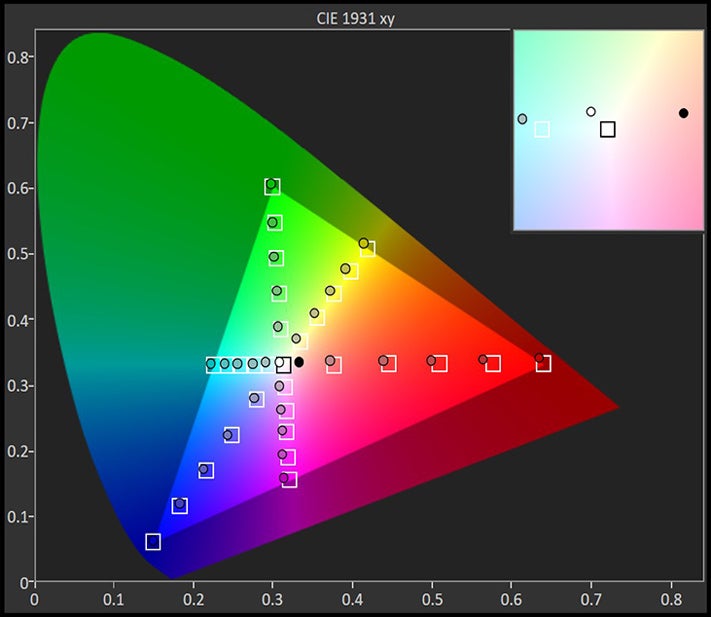
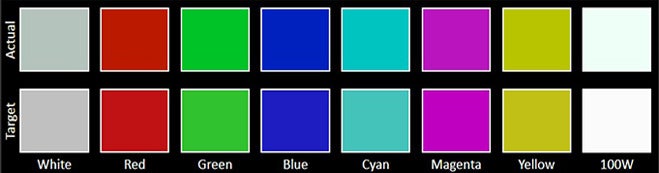
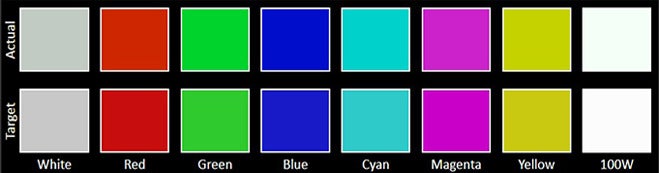
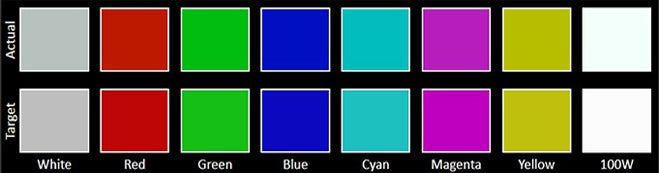
Finally, Delta E measurements evaluate color accuracy, both for RGBCMY colors and for Grayscale neutrals. In both cases, lower Delta E values indicate better color fidelity.
Display Measurements:



Display Testing Conditions
Devices are tested using their default display settings (color profile, resolution and refresh rate). The display quality is measured using professional-grade color calibration equipment under controlled lighting conditions.
All tests are conducted on new devices, running the latest available firmware at the time of testing.
Note: Real-world brightness and color performance may vary depending on ambient lighting, display wear over time, and software updates.