One of the most beloved Pixel apps gets its Material 3 Expressive UI makeover
This app was loved by Pixel users when it was first released.
We may earn a commission if you make a purchase from the links on this page.
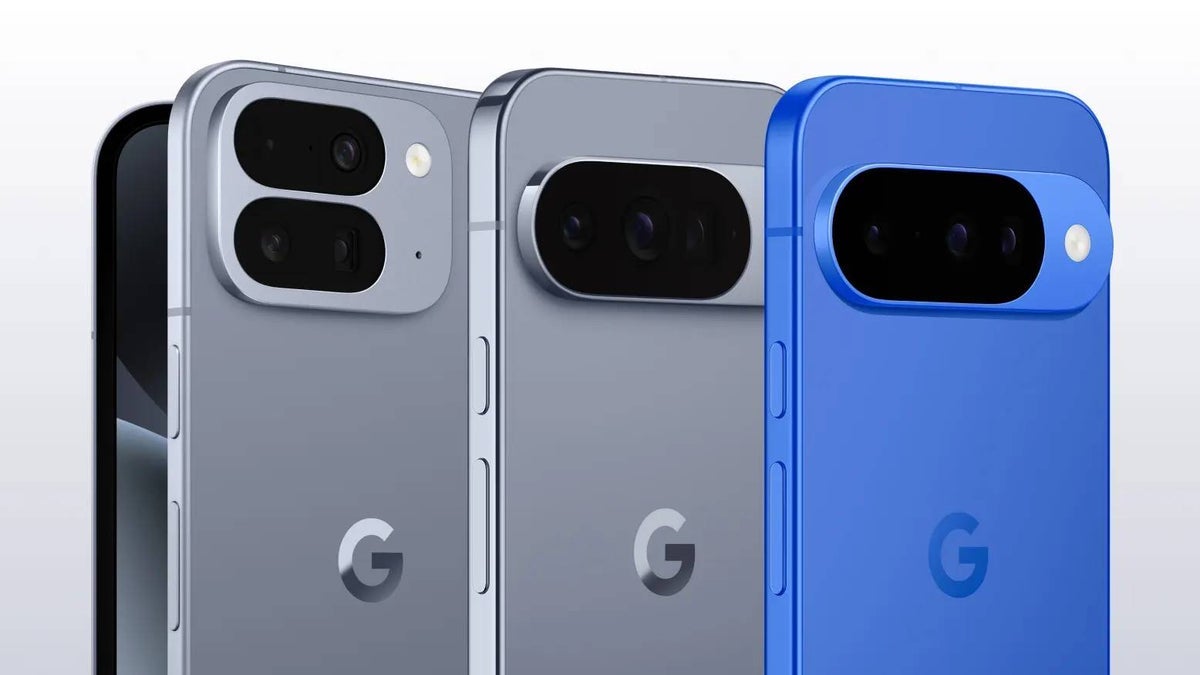
One of the most beloved apps used by Pixel users is the Recorder app which uses on-device AI to record and transcribe audio into searchable text in real time. The app can record anything and the UI includes a reminder that users should "Record respectfully around others." Pixel 8 and newer models can generate an AI-powered summary of a transcript. The app's debut coincided with the release of the Pixel 4 series in 2019.
Pre-order your new Pixel 10 series phone right here, right now!
What made the Recorder app such a big deal at the time was a new and groundbreaking feature for the time, on-device, real-time transcription. Other transcription services required an internet connection and uploaded your audio to a server. The Recorder app did all of this on-device making it more secure. The transcription feature was also quite fast and accurate for a mobile app.

Screenshot of the Pixel Recorder app after its Material 3 Expressive redesign. | Image credit-PhoneArena
The Recorder app is now getting its Material 3 Expressive redesign which includes the newly renamed lozenge-shaped "Search recordings" field which was previously known as "Search your recordings." The size and color of the fonts are different. In recordings, there is an oblong Play button flanked by a vertical pill button on the left that rewinds 5-seconds and a vertical pill button on the tight that takes you ahead by 10 seconds. A Material 3-designed slider is above the Play button and the rewind and fast forward pills.
Do you use the Recorder app on your Pixel?
Yes. I use it all of the time.
39.34%
No. I don't need it.
26.23%
No, I use another recording app.
4.92%
I don't need a recording app.
29.51%
The app can distinguish between different speakers and this will be noted on a transcript. They will be labeled: Speaker 1, Speaker 2, and so forth. These so-called Speaker Labels will make it easier for someone using the Recorder app to read a transcript of a conversation and follow along by knowing who said what. The audio and transcript labels for the two buttons above the slider, which said Audio on the left and Transcript on the right, are now gone.

Another screenshot of the Material 3 Expressive makeover for the Pixel Recorder app. | Image credit-PhoneArena
The app bar now is limited to showing the name of the recording, a star to make it a favorite, and a three-dot menu icon. Pressing the latter gives you the option to choose:
- Delete
- Share
- Crop & remove
- Search transcript
- Transcribe again
- Edit speaker labels
- Clear voice
- Playback speed
- Help us improve Google products

Follow us on Google News

Popular stories






Latest News




Things that are NOT allowed:
To help keep our community safe and free from spam, we apply temporary limits to newly created accounts: