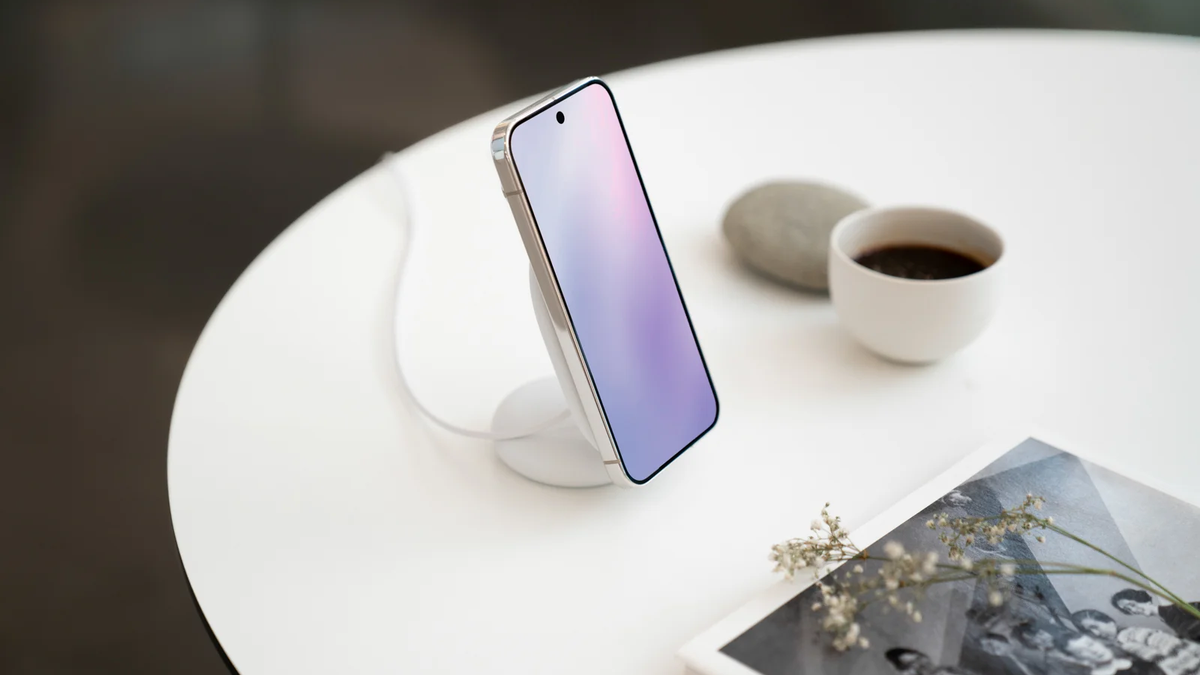
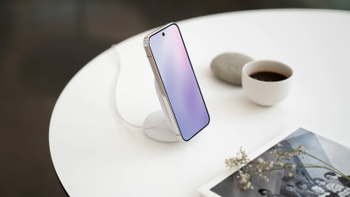
Google Pixelsnap charger with stand. | Image by Google
Your wireless charger probably isn't something you think about updating, but Google's Pixelsnap Charger actually needs firmware to keep up with the latest Qi2 wireless charging standards.
If you've been using one with a non-Pixel phone, you might not have even realized your charger could be falling behind. However, Google just quietly made it possible for anyone to update it manually, and that's worth paying attention to.
Recommended For You
The Pixelsnap Charger gets firmware updates, and your Pixel delivers them automatically
When Google launched the Pixelsnap Charger alongside the Pixel 10 series last year, it built the accessory on top of the Qi2 magnetic charging standard. Think of Qi2 as MagSafe but open to everyone, as it uses magnets to snap your phone into the perfect position on the charger so power transfers more efficiently.
Recommended For You
Because wireless charging standards keep evolving, the Pixelsnap Charger needs periodic firmware updates to stay compatible and perform at its best. If you own a Pixel phone, you never have to think about this.
Your Pixel grabs updates automatically and transfers them to the charger whenever it's docked. You can check which firmware version you're running by heading to Settings, then Connected devices, and selecting the charger (version 1.51.0 is the latest right now).
But what if you don't own a Pixel?
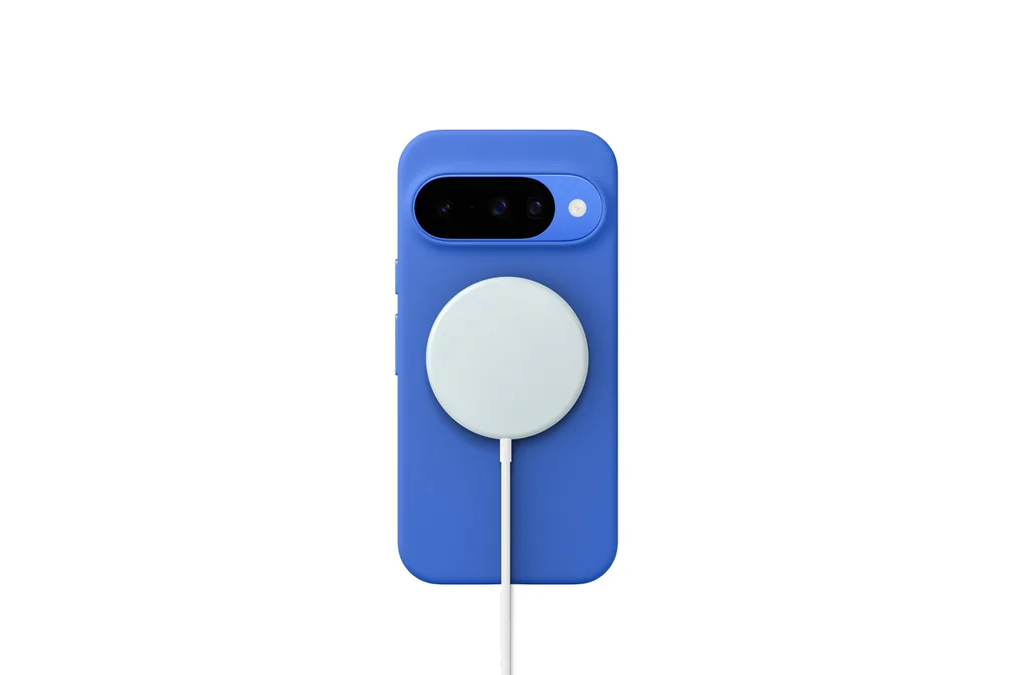
Google Pixelsnap Charger. | Image by Google
Here's where it gets interesting. The Pixelsnap Charger works with any Qi2-compatible device, so Samsung Galaxy phones, iPhones, and plenty of others can charge on it without issues. But those phones can't relay firmware updates to the charger the way a Pixel can.
The process requires plugging the Pixelsnap Charger's USB-C cable directly into any Android 16+ phone and visiting that page in mobile Chrome. There is one catch, though: it won't work from a desktop browser, which feels like a very Google thing to do. From there, you can check for available updates and install them by following the on-screen steps.
A small move that says a lot about Google's accessory ambitions
This matters more than it seems at first glance. When we first covered the Pixelsnap ecosystem, one of the lingering questions was whether Google would treat these accessories as Pixel-exclusive perks or as genuine standalone products. Building a manual update path for non-Pixel users suggests Google wants Pixelsnap to be a real ecosystem play, not just another Pixel add-on.
Do you keep your wireless charging accessories updated with the latest firmware?
Is it a perfect solution? Not quite
As someone who owns a Pixelsnap Charger and uses it daily with my Pixel (and whatever other phone I happen to be testing, like the Galaxy S26 Ultra), I didn't even know this update page existed until this story broke. I had just been charging away, completely oblivious. That alone tells you something about how quietly Google rolled this out.
Is it a perfect solution? No. The mobile Chrome-only limitation is needlessly restrictive, and having to physically plug the charger into your phone feels a bit clunky in 2026.
But the alternative was simply ignoring non-Pixel users entirely, and the fact that Google chose not to do that is genuinely refreshing. If this is the direction Pixelsnap is heading, I'm here for it.
Johanna 'Jojo the Techie' is a skilled mobile technology expert with over 15 years of hands-on experience, specializing in the Google ecosystem and Pixel devices. Known for her user-friendly approach, she leverages her vast tech support background to provide accessible and insightful coverage on latest technology trends. As a recognized thought leader and former member of #TeamPixel, Johanna ensures she stays at the forefront of Google services and products, making her a reliable source for all things Pixel and ChromeOS.
A discussion is a place, where people can voice their opinion, no matter if it
is positive, neutral or negative. However, when posting, one must stay true to the topic, and not just share some
random thoughts, which are not directly related to the matter.
Things that are NOT allowed:
Off-topic talk - you must stick to the subject of discussion
Offensive, hate speech - if you want to say something, say it politely
Spam/Advertisements - these posts are deleted
Multiple accounts - one person can have only one account
Impersonations and offensive nicknames - these accounts get banned
To help keep our community safe and free from spam, we apply temporary limits to newly created accounts:
New accounts created within the last 24 hours may experience restrictions on how frequently they can
post or comment.
These limits are in place as a precaution and will automatically lift.
Moderation is done by humans. We try to be as objective as possible and moderate with zero bias. If you think a
post should be moderated - please, report it.
Have a question about the rules or why you have been moderated/limited/banned? Please,
contact us.




![T-Mobile is about to test the limits of customer loyalty [UPDATED]](https://m-cdn.phonearena.com/images/article/179374-wide-two_350/T-Mobile-is-about-to-test-the-limits-of-customer-loyalty-UPDATED.webp)


Things that are NOT allowed:
To help keep our community safe and free from spam, we apply temporary limits to newly created accounts: