This article may contain personal views and opinion from the author.
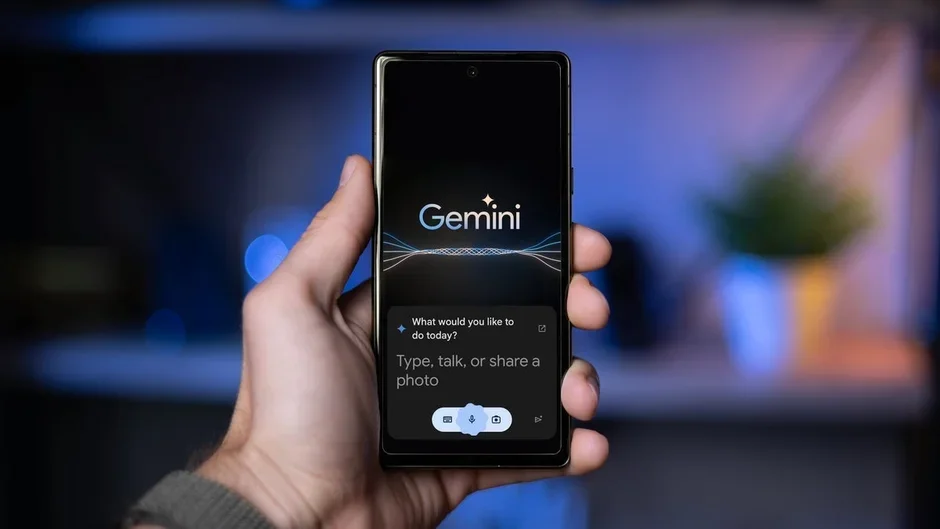
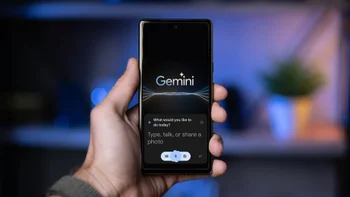
Google Gemini. | Image by PhoneArena
Google's AI assistant Gemini can write you an entire essay, summarize a PDF, and hold a full conversation about your vacation plans. But ask it to set a kitchen timer, and there's a decent chance it'll tell you it failed, even when it actually worked. That's the kind of problem that makes you wonder if Google is rushing the future before the present is ready.
Gemini is fumbling one of the most basic assistant tasks
As we recently covered, Pixel and Android users have been running into a frustrating bug where Gemini shows a false "Action failed" error after setting an alarm or timer. The alarm or timer actually gets created in the Clock app just fine, however, Gemini times out waiting for a confirmation signal from Clock, assumes something went wrong, and tells you it didn't work.
Recommended For You
Google has acknowledged this as a "known issue," which is at least something. The official workaround is to go into your Gemini settings and toggle "Gemini Apps Activity" off and then back on to force a resync.
However, that is technically not a fix, but rather tech support triage for a feature Google Assistant handled without a hiccup for over a decade.
The timing could not be worse
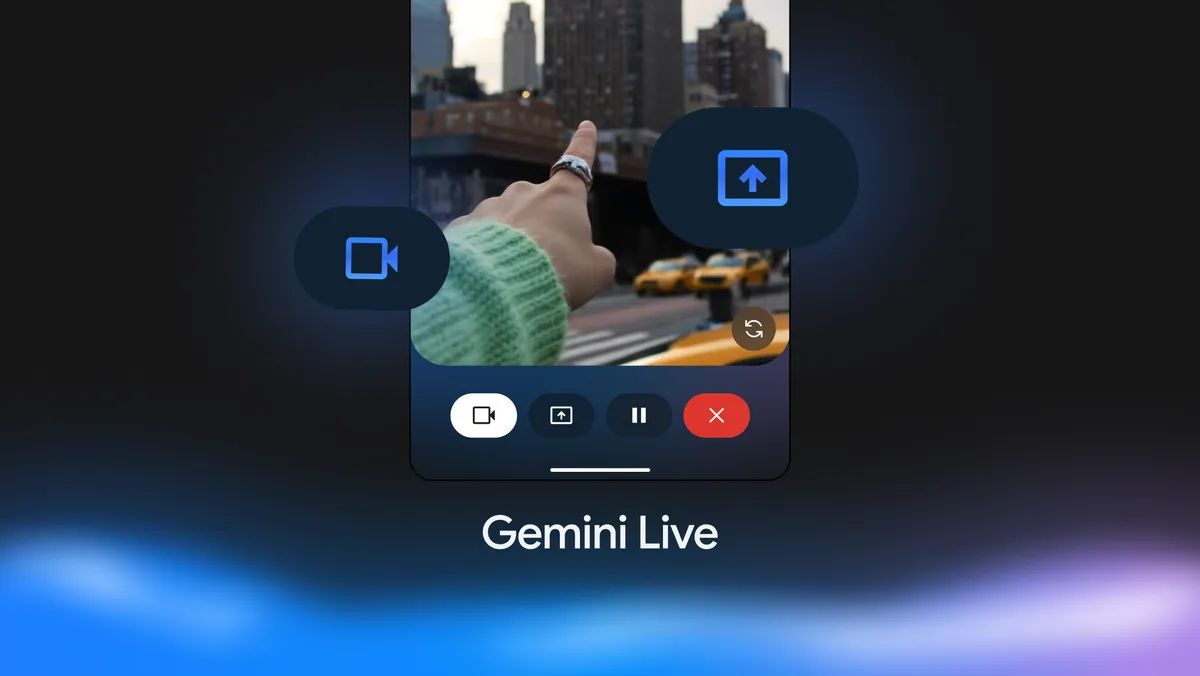
Gemini Live was supposed to be the assisant that rivaled all other smart assistants. | Image by Google
But consider this: Google is actively killing Google Assistant, and by mid-2026, all new Android phones are expected to ship with Gemini as the only voice assistant. The escape hatch is closing.
Recommended For You
Also, on current Pixels, saying "Hey Google" opens Gemini regardless of what you've set as your default assistant. Then notice how Google has been stripping Assistant features for months now, from Driving Mode to Family Bell reminders.
This has me thinking that the whole point of this transition was that Gemini was supposed to be the upgrade, so it needs to be nailing the basics before Google pulls the plug on the thing it's replacing.
A timer bug is actually a trust problem
This might sound like a minor inconvenience, but think about what people actually use voice assistants for every day. Cooking timers. Medication reminders. Morning alarms. These are tasks where reliability is not optional.
A timer that tells you it failed but actually fired is arguably worse than one that simply doesn't work, because now you have no idea what to trust. It should be noted that this isn't Gemini's first stumble with the basics, either.
What do you rely on your voice assistant for the most?
Google needs to earn this transition, not force it
I've experienced this kind of thing firsthand on my Google Home speaker. Gemini Live with screen sharing has also started failing at adding calendar events from screenshots I share with it, a task it used to handle without a hitch. Now, it just gaslights me and tells me it did something it clearly didn't do.
It tells me the event was added, I check my calendar, and nothing is there. That kind of silent failure is a confidence killer, because at least an error message tells you something went wrong.
Nobody is arguing that Gemini isn't impressive for complex queries and longer conversations. It genuinely is, and the leap from traditional Assistant responses to actual AI-powered interactions is real. But Google cannot keep pushing users toward an assistant that stumbles on the simple, boring, reliable stuff people depend on every single day.
The smart move would be to keep Assistant's proven paths intact for system-level tasks like alarms, timers, and calendar events, while letting Gemini handle the open-ended queries it's built for. One assistant surface, two execution engines under the hood. Until Google figures that balance out, this transition is going to keep frustrating the very users it's supposed to win over.
Johanna 'Jojo the Techie' is a skilled mobile technology expert with over 15 years of hands-on experience, specializing in the Google ecosystem and Pixel devices. Known for her user-friendly approach, she leverages her vast tech support background to provide accessible and insightful coverage on latest technology trends. As a recognized thought leader and former member of #TeamPixel, Johanna ensures she stays at the forefront of Google services and products, making her a reliable source for all things Pixel and ChromeOS.
A discussion is a place, where people can voice their opinion, no matter if it
is positive, neutral or negative. However, when posting, one must stay true to the topic, and not just share some
random thoughts, which are not directly related to the matter.
Things that are NOT allowed:
Off-topic talk - you must stick to the subject of discussion
Offensive, hate speech - if you want to say something, say it politely
Spam/Advertisements - these posts are deleted
Multiple accounts - one person can have only one account
Impersonations and offensive nicknames - these accounts get banned
To help keep our community safe and free from spam, we apply temporary limits to newly created accounts:
New accounts created within the last 24 hours may experience restrictions on how frequently they can
post or comment.
These limits are in place as a precaution and will automatically lift.
Moderation is done by humans. We try to be as objective as possible and moderate with zero bias. If you think a
post should be moderated - please, report it.
Have a question about the rules or why you have been moderated/limited/banned? Please,
contact us.




![T-Mobile customers get confirmations for account activity they didn't authorize [UPDATED]](https://m-cdn.phonearena.com/images/article/179616-wide-two_350/T-Mobile-customers-get-confirmations-for-account-activity-they-didnt-authorize-UPDATED.webp)





Things that are NOT allowed:
To help keep our community safe and free from spam, we apply temporary limits to newly created accounts: