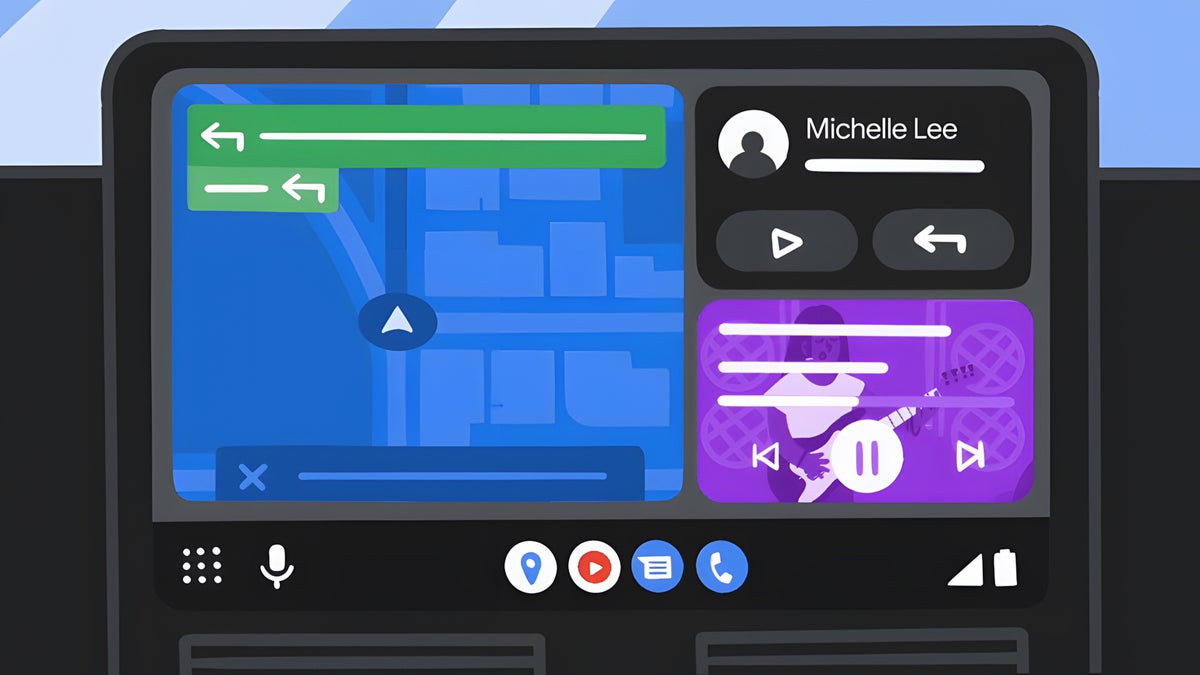
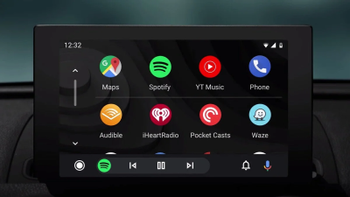
Android Auto may soon ask before hijacking your car speakers. | Image by Google
If you've ever gotten in your car and had music immediately start blaring through the speakers the moment Android Auto connects, you know exactly how obnoxious that is. Well, Google might finally have a fix in the works, and I have to say, the way they're going about it is pretty smart.
Android Auto is learning when you don't want music to play
A recent APK teardown of Android Auto version 16.6.161344 turned up a feature that's not live yet but is already working in the app's code. The concept is straightforward: if you keep pausing the music that kicks in automatically every time Android Auto connects, the app picks up on it.
Recommended For You
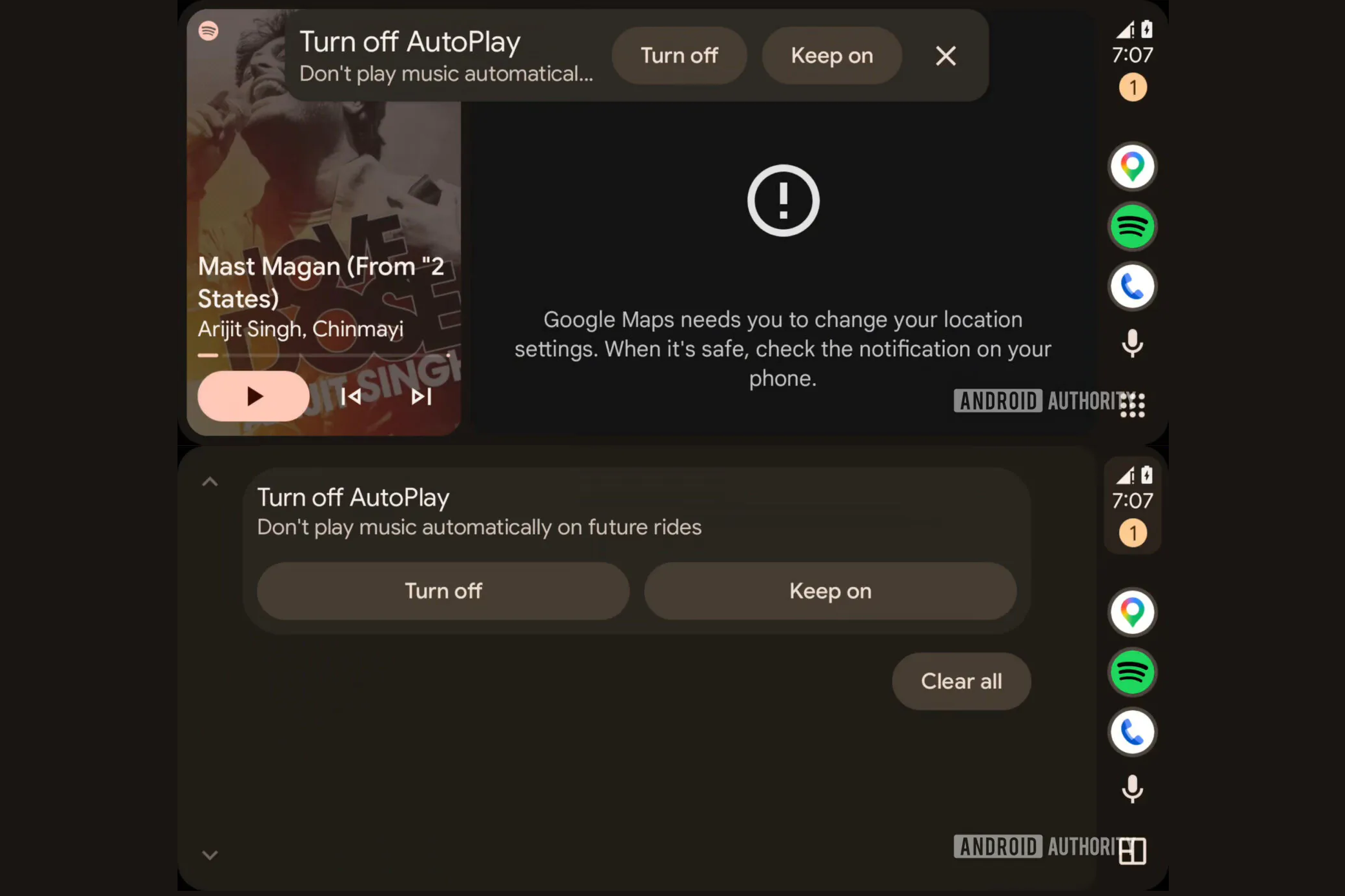
More specifically, if you pause autoplay within 10 seconds of it starting, three separate times, Android Auto will serve you a notification asking whether you'd like to kill autoplay for good. Pauses after that 10-second mark don't count toward the threshold, which tells us the system is built to catch deliberate, immediate "nope, not today" reactions to the feature.
Most people had no idea you could already turn this off
Here's what makes this genuinely interesting: you can already disable autoplay in Android Auto's settings. That option has been there for a while now. But as we know, most people don't go digging through settings menus, and Google obviously knows that.
Recommended For You
Instead of leaving the solution buried in a submenu, this approach meets users where they already are. It pays attention to what you're doing and offers a fix accordingly.
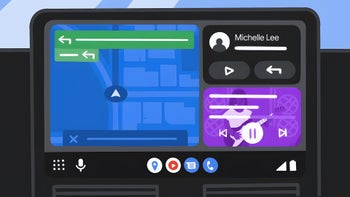
Android Auto could soon prompt you to turn off Autoplay if it detects that's your preference. | Image by Android Authority
This fits into a bigger Android Auto push
The timing on this one is interesting. Google has been pretty active with Android Auto lately, pushing out redesigned media playback controls, teasing YouTube playback support, and patching up connection problems that have been giving Pixel and Galaxy owners headaches. The platform is clearly getting real attention right now.
What sets this autoplay tweak apart from those flashier updates is that it's about making something that already exists work better for the people who deal with it every single day. That's a more welcome improvement.
How do you deal with Android Auto's autoplay feature?
Now scale this thinking across all of Android Auto
This is the kind of small, practical change that genuinely makes your daily commute a little less annoying. It won't grab headlines the way Gemini integration will, but it shows that someone at Google is actually watching how people use Android Auto in the real world.
What I really want to see next is Google bringing this same thinking to more of Android Auto. If I keep dismissing suggested routes, stop suggesting them. If I never open the podcast app, quit surfacing it. This autoplay tweak is a solid proof of concept for behavior-driven settings, and I hope Google treats it as a blueprint rather than a one-off.
Since this comes from an APK teardown, there's no guarantee it ships exactly as described, or at all. But the logic is already baked into the code, so here's hoping it lands sooner rather than later.
Johanna 'Jojo the Techie' is a skilled mobile technology expert with over 15 years of hands-on experience, specializing in the Google ecosystem and Pixel devices. Known for her user-friendly approach, she leverages her vast tech support background to provide accessible and insightful coverage on latest technology trends. As a recognized thought leader and former member of #TeamPixel, Johanna ensures she stays at the forefront of Google services and products, making her a reliable source for all things Pixel and ChromeOS.
A discussion is a place, where people can voice their opinion, no matter if it
is positive, neutral or negative. However, when posting, one must stay true to the topic, and not just share some
random thoughts, which are not directly related to the matter.
Things that are NOT allowed:
Off-topic talk - you must stick to the subject of discussion
Offensive, hate speech - if you want to say something, say it politely
Spam/Advertisements - these posts are deleted
Multiple accounts - one person can have only one account
Impersonations and offensive nicknames - these accounts get banned
To help keep our community safe and free from spam, we apply temporary limits to newly created accounts:
New accounts created within the last 24 hours may experience restrictions on how frequently they can
post or comment.
These limits are in place as a precaution and will automatically lift.
Moderation is done by humans. We try to be as objective as possible and moderate with zero bias. If you think a
post should be moderated - please, report it.
Have a question about the rules or why you have been moderated/limited/banned? Please,
contact us.










Things that are NOT allowed:
To help keep our community safe and free from spam, we apply temporary limits to newly created accounts: