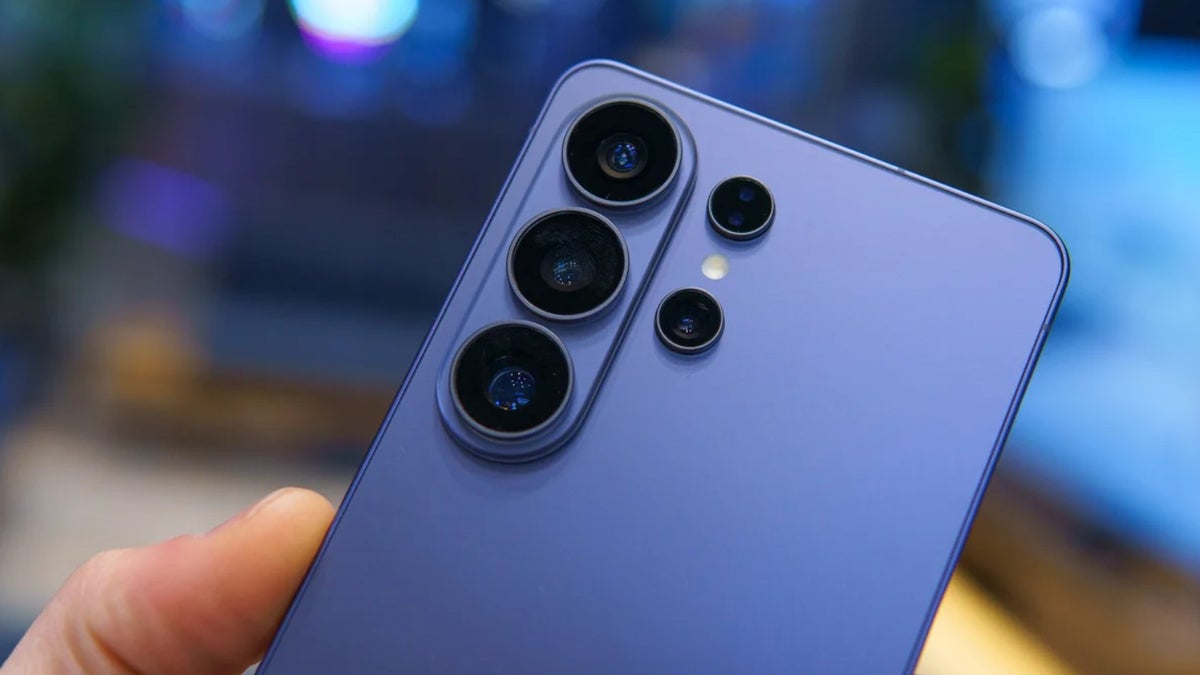
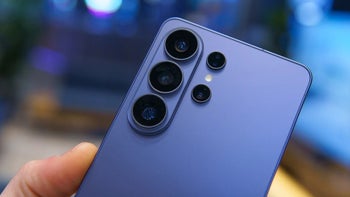
Samsung Galaxy S26 Ultra rear camera | Image by PhoneArena
It's been some time since the Galaxy S26 lineup went live, and there's no denying that all the phones in it come with very nominal hardware upgrades over their respective predecessors. However, the latest Galaxy phones do come with some cool AI features. One of these is the AI-powered document scanner, which could soon be rolled out to the Galaxy S25 family as well.
How does the Galaxy S26's AI-powered document scanner work?
The AI-powered document scanner does exactly what you expect it to do: scan documents. It's built into your Galaxy S26 Camera app, but before you start using it, you need to ensure it's enabled. To do this, head to Camera settings, select Scanning, and turn on the Document scan toggle.
Recommended For You
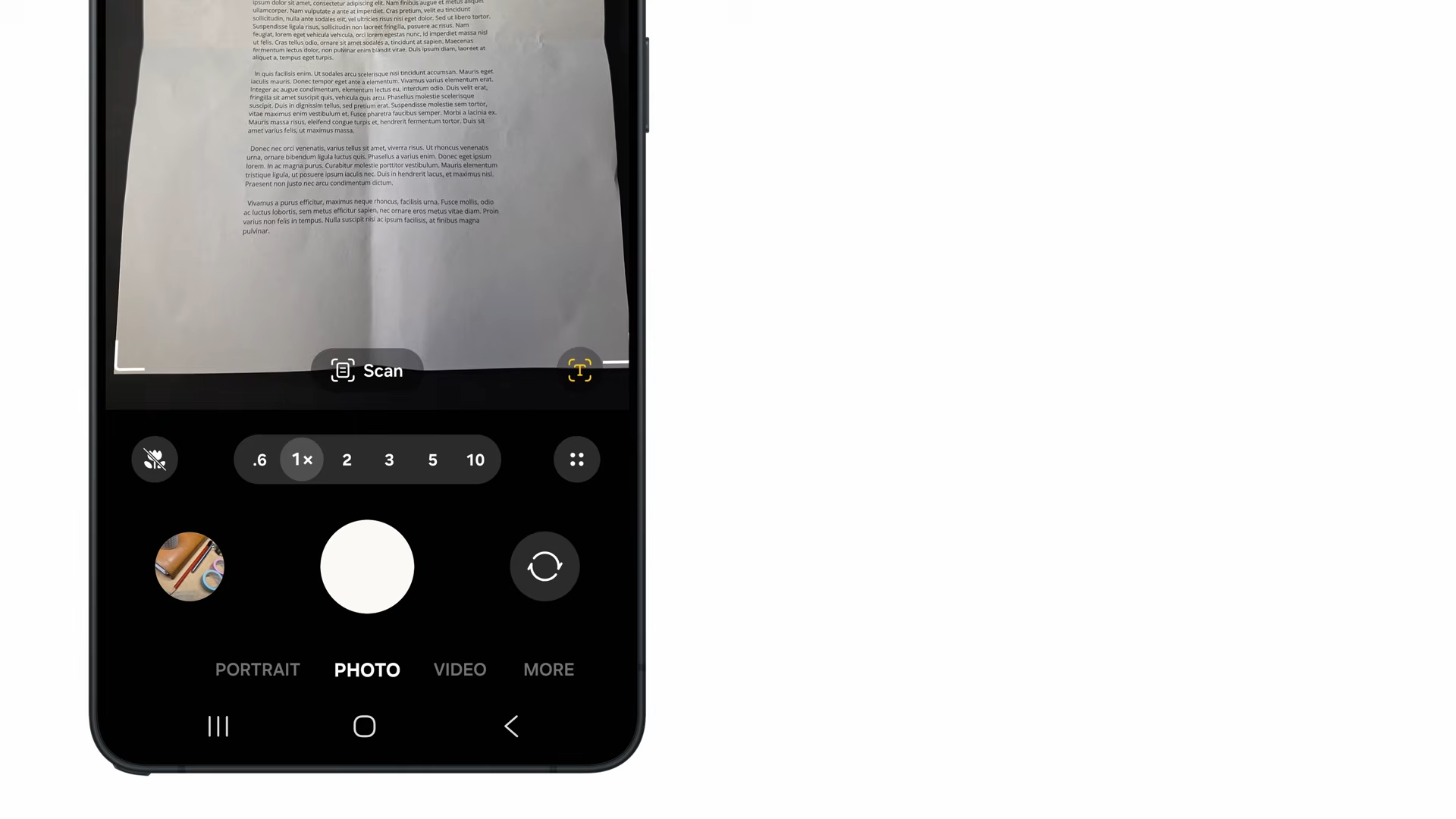
Now, when you open the Camera app and frame the document in front of it, the app intelligently recognizes the object as a document and displays a small "Scan" button near the shutter. You need to hit the Scan button once you're sure the document is perfectly framed.
The best part about this feature is that it uses AI to automatically remove any finger marks, folds, or moiré that might be on the document you're scanning. You also have the option to add multiple pages to the same document and arrange them in any order you choose. The camera app also allows you to apply different filters to the scanned file.
It's coming to the Galaxy S25 series
Scan option in the Samsung Camera app. | Image by Samsung
Having a built-in document scanner is a very important capability, as it eliminates the need to install a third-party app for this function. The good news is that it is reported to arrive on the S25 family as well.
Recommended For You
Replying to a post on the Samsung Community forum, an official community moderator said, "Document scanning support for the S25 is scheduled to be added." However, the exact release window has not been mentioned.
If I had to guess, I would say it could arrive with the upcoming One UI 8.5 beta build for last year's S-line phones. But we also can't deny the possibility of Samsung releasing it with the One UI stable update.
How to scan documents on Galaxy S25 line phones until this feature arrives?
As mentioned earlier, we don't have a concrete release date for this feature. So, what should you do if you need to scan a document today? Fortunately, there are various third-party apps available on the Play Store that you can use.
For instance, you can use Adobe's Document Scanner app, which comes from the reputable brand Adobe. If you prefer not to install any extra apps on your device, you can also use Google Drive, which comes pre-installed on most Android phones.
You simply need to open the app, tap the plus icon in the bottom-right corner, and choose Scan from the menu that appears. It automatically scans the document once it detects a proper scan. There's also a manual scan option, which you can choose if you want to align and scan the document yourself.
Similar to Samsung's built-in scanner, Google Drive also allows you to scan multiple documents at once. Furthermore, it also gives you the choice to apply different filters.
Which Galaxy S26 feature would you most like to see on the Galaxy S25 lineup?
Samsung beats its competitors by a big margin
What puts Samsung's scanning capability far ahead of its competitors is that, unlike others, it is built directly into the camera app. For instance, on an iPhone, you need to open the Notes app to scan a document.
I have a Pixel 10, and its scanning option is also available inside the camera app, but it actually redirects you to Google Drive. When you try to scan a document on a Pixel through its camera app, a "Scan document" option appears right in front of the shutter button. Tapping it opens the Google Drive scanner, and then you need to follow the steps I mentioned above to scan the file.
That's why I think the South Korean giant is leading its competitors in this particular aspect. All that said, there's no guarantee when, or even if, this functionality will land on the Galaxy S24 or previous S-line phones.
Aman Kumar is a tech news writer with a long-standing passion for smartphones. Aman specializes in everything smartphones, from AI features like Pixel’s Camera Coach to understanding ideal hardware combinations. He loves breaking down complex features in a simple, clear way and hopes manufacturers bring back bold designs like the Nokia N-Gage. When he’s not writing, he’s either gaming on PUBG or talking fitness as a dedicated gym enthusiast.
A discussion is a place, where people can voice their opinion, no matter if it
is positive, neutral or negative. However, when posting, one must stay true to the topic, and not just share some
random thoughts, which are not directly related to the matter.
Things that are NOT allowed:
Off-topic talk - you must stick to the subject of discussion
Offensive, hate speech - if you want to say something, say it politely
Spam/Advertisements - these posts are deleted
Multiple accounts - one person can have only one account
Impersonations and offensive nicknames - these accounts get banned
To help keep our community safe and free from spam, we apply temporary limits to newly created accounts:
New accounts created within the last 24 hours may experience restrictions on how frequently they can
post or comment.
These limits are in place as a precaution and will automatically lift.
Moderation is done by humans. We try to be as objective as possible and moderate with zero bias. If you think a
post should be moderated - please, report it.
Have a question about the rules or why you have been moderated/limited/banned? Please,
contact us.



![T-Mobile is about to test the limits of customer loyalty [UPDATED]](https://m-cdn.phonearena.com/images/article/179374-wide-two_350/T-Mobile-is-about-to-test-the-limits-of-customer-loyalty-UPDATED.webp)






Things that are NOT allowed:
To help keep our community safe and free from spam, we apply temporary limits to newly created accounts: