In July last year, Google announced that it is shifting to a Canary-based release cycle. That means that, unlike before, when new features were first tested by developers and public beta testers, they're now directly tested in Canary builds. That said, the Android Canary subreddit recently announced that the latest version, Canary 2603, is now live. Here are all the changes it brings.
Everything that's changing in Canary 2603
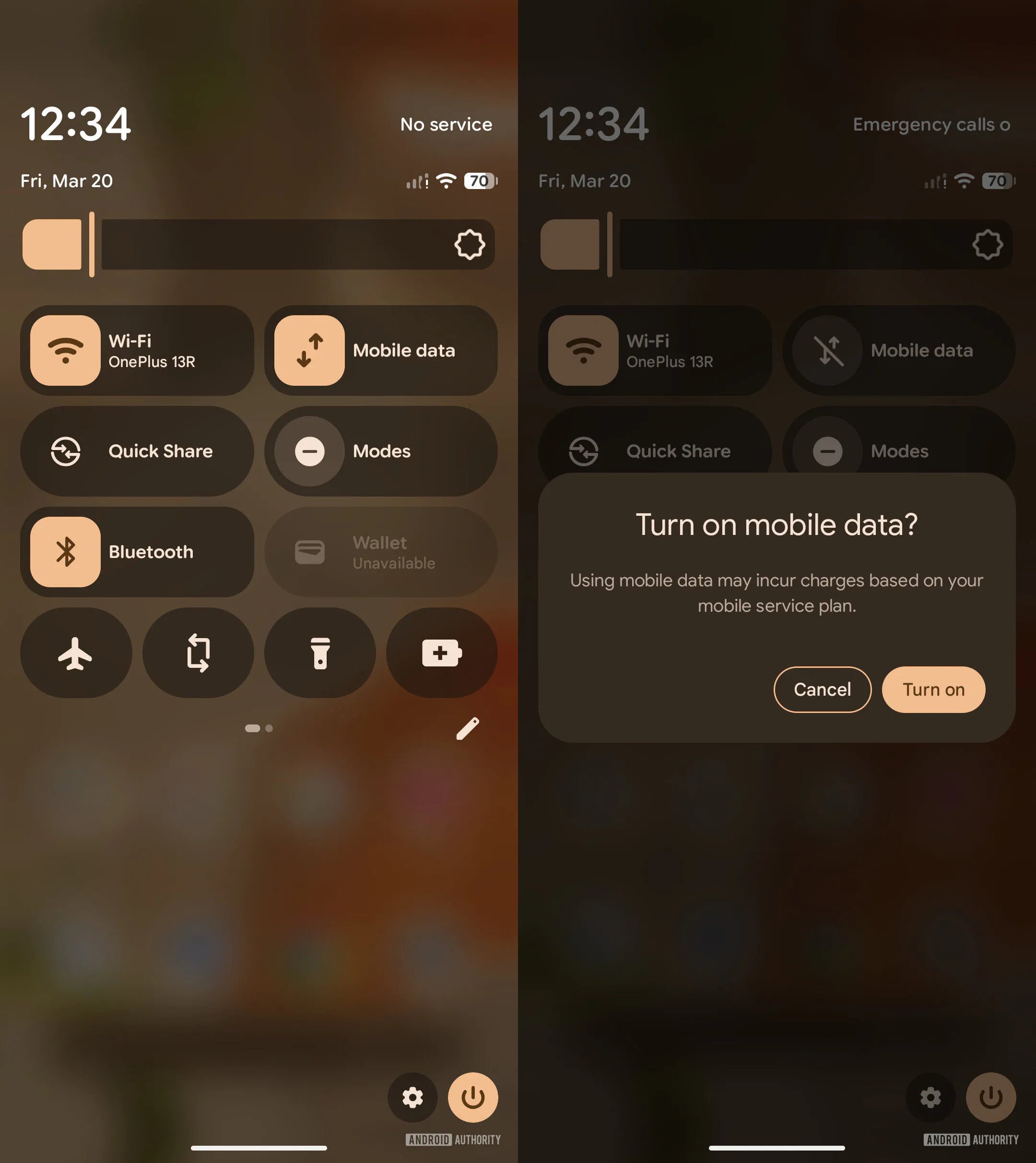
The latest Canary build, 2603, introduces several noticeable upgrades to Android. You'll notice the first change immediately upon opening the Quick Settings menu. Currently, both the Wi-Fi and mobile data toggles appear under the same tile. But in the Canary update, they have reportedly been given two separate tiles. I think it's a much-needed upgrade, as it will ensure you have to take one less step to manage Wi-Fi or mobile data.
Separate tiles for mobile data and Wi-Fi. | Image by Android Authority
Google is working on a new App Lock feature that lets you restrict access to apps, ensuring only you can open them. It will reportedly support authentication via PIN, pattern, password, or fingerprint. When an app is locked, all its related notifications and widgets are hidden. If you also have an iPhone, you must be aware that a similar feature was introduced with the iOS 18 update. In fact, many Android skins, like Xiaomi's MIUI, already come with native app-locking ability. Unfortunately, it isn't available on Pixel devices yet.
Recommended For You
The Android March Canary build is also introducing the app bubbles feature. It allows you to open apps in floating windows, which can be especially helpful for multitasking. The update reportedly adds more blur effects to various menus in the UI.
App shortcuts have also been removed from the menu that appears with a new long press on an app. For instance, when you currently long-press YouTube, you will see plenty of shortcuts like Shorts, Search, and Subscriptions. But they have been removed in the Canary update.
A small change has also been made to the screen recording window. If you end a screen recording on your Pixel device right now, you'll see its notification appear in the status bar. However, with the update, a new page appears upon ending the recording. This provides additional options, such as starting a new recording, viewing it, deleting it, sharing it, or editing it on your device.
Which of the these upgrades sounds most useful to you?
All updates look great
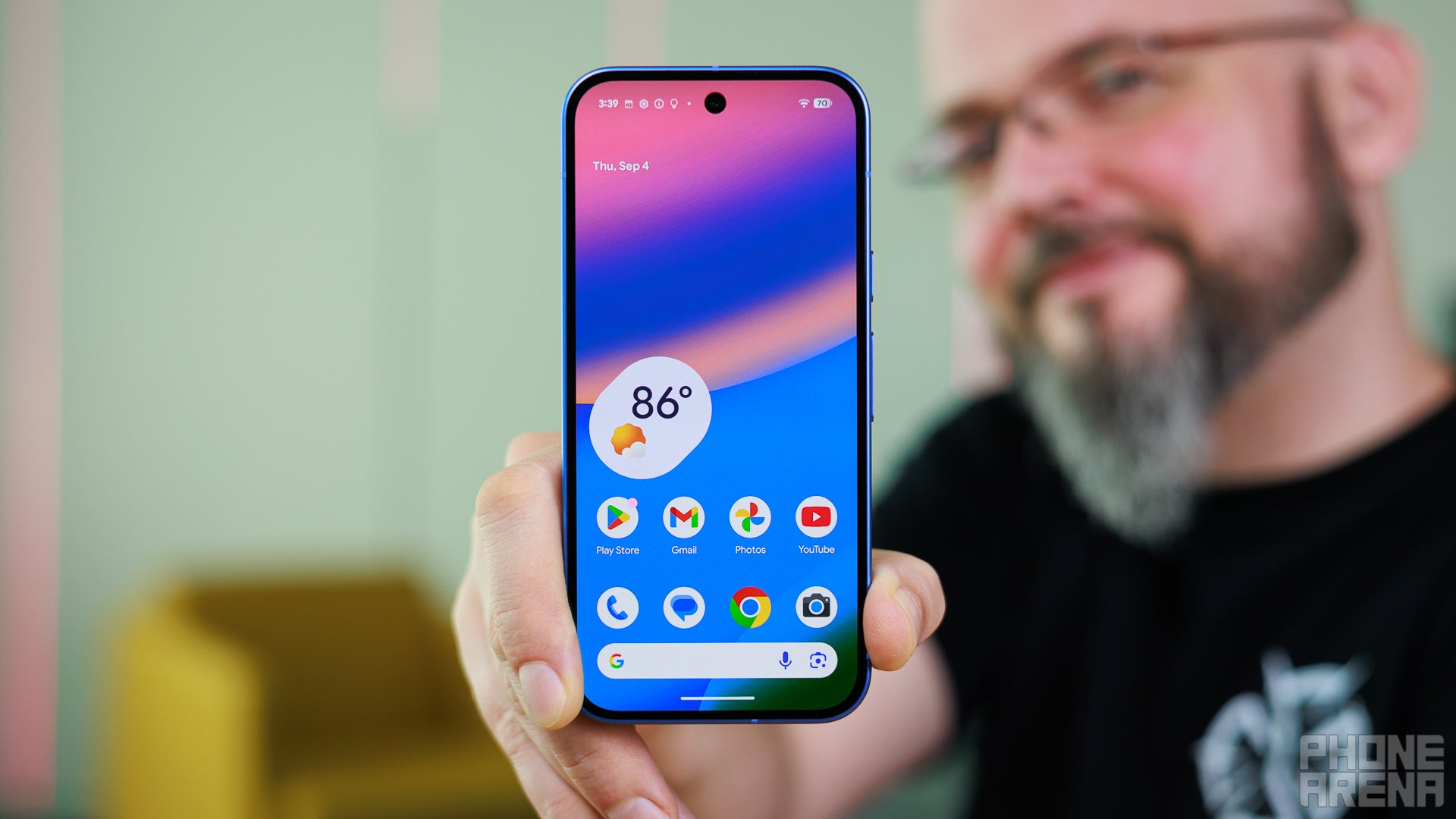
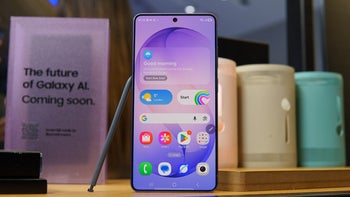
Display of Pixel 10. | Image by PhoneArena
I must say that all the reported changes look like they should have been present on Pixel smartphones by default. But better late than never, we could see them rolling out to a wider audience through one of the future Android updates.
That said, if you want to try out all these additions before they are officially available in a stable Android build, you will have to download Canary version 2603 on your smartphone. The update is available for the Pixel 6 and all later-released Pixel smartphones. However, it's worth noting that Canary builds are not stable and may contain bugs and glitches that could affect your device's overall experience. Therefore, you should only install it if you know what you're doing.
Aman Kumar is a tech news writer with a long-standing passion for smartphones. Aman specializes in everything smartphones, from AI features like Pixel’s Camera Coach to understanding ideal hardware combinations. He loves breaking down complex features in a simple, clear way and hopes manufacturers bring back bold designs like the Nokia N-Gage. When he’s not writing, he’s either gaming on PUBG or talking fitness as a dedicated gym enthusiast.
A discussion is a place, where people can voice their opinion, no matter if it
is positive, neutral or negative. However, when posting, one must stay true to the topic, and not just share some
random thoughts, which are not directly related to the matter.
Things that are NOT allowed:
Off-topic talk - you must stick to the subject of discussion
Offensive, hate speech - if you want to say something, say it politely
Spam/Advertisements - these posts are deleted
Multiple accounts - one person can have only one account
Impersonations and offensive nicknames - these accounts get banned
To help keep our community safe and free from spam, we apply temporary limits to newly created accounts:
New accounts created within the last 24 hours may experience restrictions on how frequently they can
post or comment.
These limits are in place as a precaution and will automatically lift.
Moderation is done by humans. We try to be as objective as possible and moderate with zero bias. If you think a
post should be moderated - please, report it.
Have a question about the rules or why you have been moderated/limited/banned? Please,
contact us.











Things that are NOT allowed:
To help keep our community safe and free from spam, we apply temporary limits to newly created accounts: